
Access Your Download
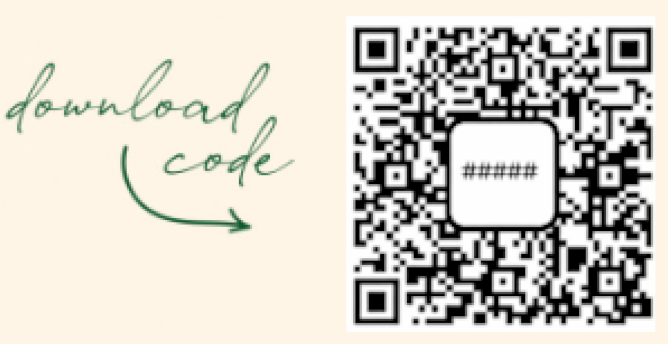
If you scanned a QR code, your download code may already be filled in for you. If not, enter the 6-digit code shown in the center of the QR code you received.
A Note from Our Ministry
We pray this resource encourages you and equips you to disciple your children with grace and truth.
Download Troubleshooting
Click on any issue below for a quick fix.
❌ Nothing happens when I tap the download link
- Tap the link again and wait a few seconds.
- Make sure you have a strong internet connection (Wi-Fi is best).
- Try opening the link in your default browser (Safari on iPhone, Chrome on Android).
❌ I downloaded the file but can't find it
- iPhone / iPad: Open the Files app → Browse → Downloads
- Android: Open My Files or Files → Downloads
- Windows / Mac: Open Downloads folder on your computer
If you still don't see it, download the file again and watch where it saves.
❌ The file won't open or says it's not supported
You are probably trying to open the ZIP file, not the audio files inside it.
Fix:
- Tap or double-click the ZIP file once to extract it.
- Open the new folder that appears.
- Play the .mp3 files inside the folder.
❌ I see the files, but they won't play
- Make sure the file ends in .mp3
- Tap or double-click the file (don't long-press unless prompted)
- Try playing it with: Music app (phone), Windows Media Player, VLC, or Music app (computer)
If it still won't play, restart your device and try again.
❌ My phone says the download failed
Common causes & fixes:
- Weak or unstable internet → switch to Wi-Fi
- Low storage space → delete a few old photos or videos
- Background downloads paused → keep the screen on until it finishes
Then try downloading again.
❌ I don't see an "Extract" option
This is normal on some devices:
- iPhone / iPad: Just tap the ZIP file once — it extracts automatically.
- Mac: Double-click the ZIP file.
- Windows: Right-click → Extract All
- Android: Look for Extract, Unzip, or Open with Files
❌ I accidentally deleted something
Just download the ZIP file again using the same link. You can safely download it more than once.
❌ It keeps asking me what app to use
Choose Music, Audio Player, or Media Player. If asked, select Always to avoid being prompted again.
❌ The file name looks strange or has symbols
This is normal. Long file names won't affect playback. You don't need to rename anything.
❌ I'm still stuck
Final steps that fix most issues:
- Close all apps
- Restart your device
- Re-download the ZIP file
- Follow the steps again slowly
If it still doesn't work, contact support and include your device type, what happens when you tap the file, and any error message you see.